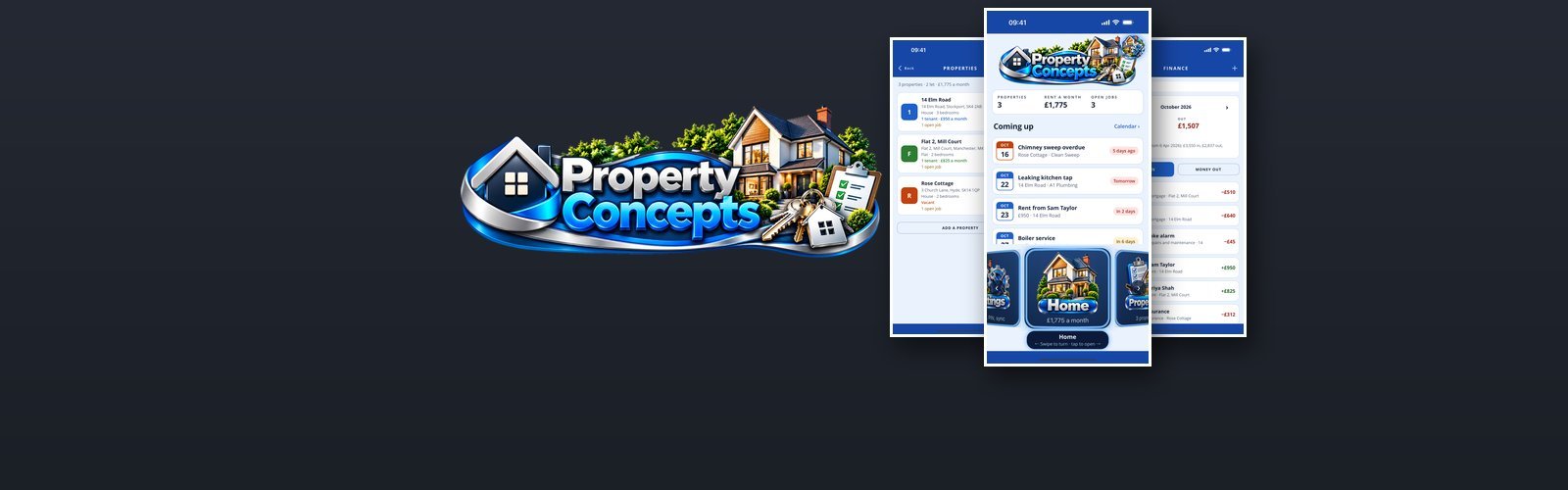

Property Concepts
Property Concepts is a plain, private organiser for landlords on your iPhone — the properties you let, who lives in them, when the rent is due, what needs fixing and where the money went. Version 1.0.0 is being tested on TestFlight at the moment and is not in the App Store yet.
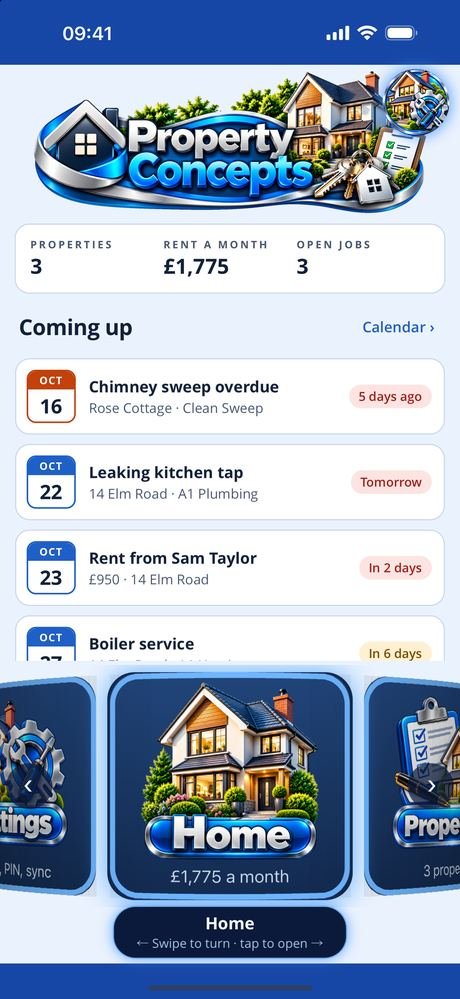
Everything at a glance. The dashboard shows how many properties you have, the rent coming in each month and the jobs still open, and what is coming up in the next fortnight: rent days, leases ending, certificates to renew and repairs booked. Home goes further, with how many properties are let, your current tenants, this month’s money in and out, and the next thirty days. Every other screen sits on a carousel at the foot of the dashboard: swipe to turn it, tap to open.
Each property and its dates. The address, type and bedrooms, its own colour, what you paid and what it is worth, and the mortgage. Then the dates the law and your insurer set: the gas safety check, the electrical check (EICR), the EPC rating and expiry, and the insurance renewal. Its tenants and open jobs are listed with it, and sketches, scanned certificates and the inventory are kept alongside.
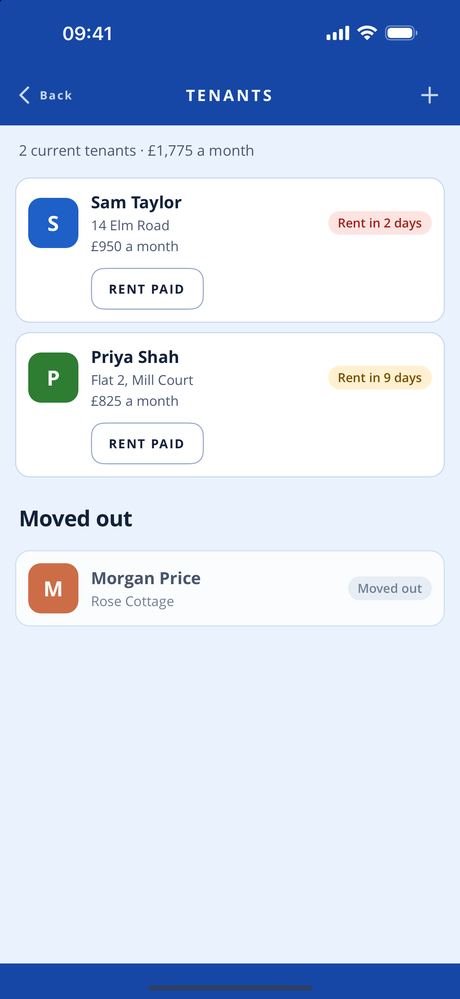
Tenants and the rent. Who lives where and how to reach them, the lease dates, the rent — monthly, weekly, every four weeks or quarterly — and the day it next falls due, worked out for you. The deposit, its protection scheme and reference. Tap RENT PAID and the payment goes straight into Finance. Tenants who move out are kept, with their history.
Repairs and the regular jobs. Every repair, how urgent it is, whether it is reported, booked, in progress or done, the contractor and their number, and what it cost, added to Finance in one tap. The things that come round on a schedule — the boiler service, chimney sweep, gutters, smoke and CO alarm tests, legionella assessments, PAT testing — are kept apart from repairs: mark one done and the next date is set for you.
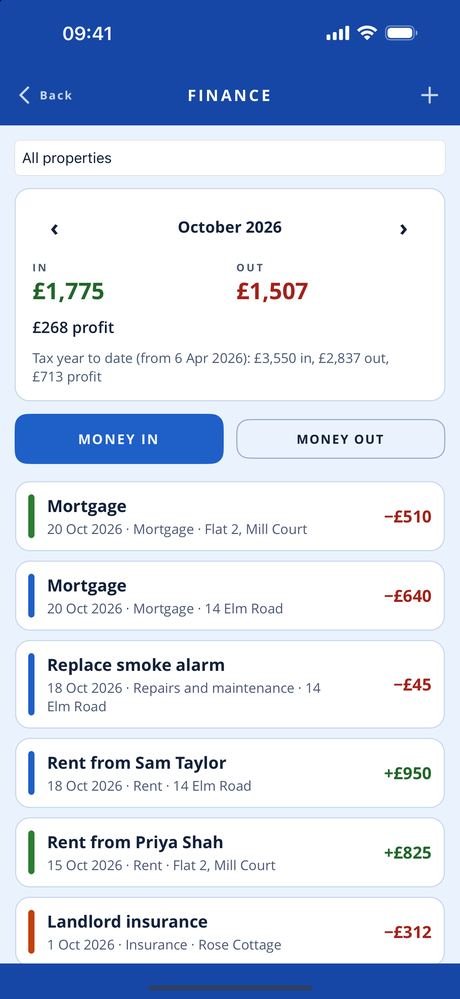
The money. Rent, deposits, repairs, mortgage, insurance, agent’s fees, utilities, council tax, service charges and more, month by month, for every property or one at a time, with the profit or loss for the month and for the UK tax year to date. The calendar puts rent days, leases starting and ending, safety checks, renewals, services and booked repairs on a month view in each property’s colour.
Everything you record stays on your phone in an encrypted database. There is no advertising or analytics code, and a PIN can lock the app. Hold two phones together to share your records with your own other phone or a partner’s: phone to phone, encrypted, never through our server, and both people confirm a code before anything is shared.
- PlatformiPhone, portrait, iOS 15 and later
- StatusVersion 1.0.0 on TestFlight, not yet in the App Store
- StorageOn device only, encrypted, PIN protected
- ScreensHome, properties, tenants, maintenance, services, finance, calendar, my profile
Free, and what a subscription unlocks
Knowing what you own is free: Home, properties with their certificates and dates, the calendar, my profile and sharing with another phone.
A Property Concepts Full Access subscription unlocks the running of the lettings — tenants and their rent, maintenance, services and finance. It comes in two lengths, monthly and quarterly, and renews until you cancel it at least 24 hours before the end of the period.
- Monthly See the App Store renews every month
- Quarterly See the App Store renews every three months
Prices are not listed here, because they can change. Check the App Store for the up-to-date price, in your own currency, before you subscribe — it is the App Store that takes the payment. Most of the apps give new subscribers an introductory offer: an introductory period at the start, before the first payment is taken. How long it lasts can change, so again, check the App Store for the details.
Manage or cancel the subscription from Manage subscription in the app, or in your App Store account settings.
The one piece of personal information involved is your email address, held so the subscription can be recognised as yours. See the privacy policy and the terms of use.
Every screen in the app
Five screens, three at a time — swipe, or use the arrows and dots. Tap a screenshot to see it full size. The apps are still being developed, so screens may look different in the version you download — these shots are not always updated the moment something changes.
Interested in an app like this, or in something else for iPhone, iPad or Android? Get in touch.