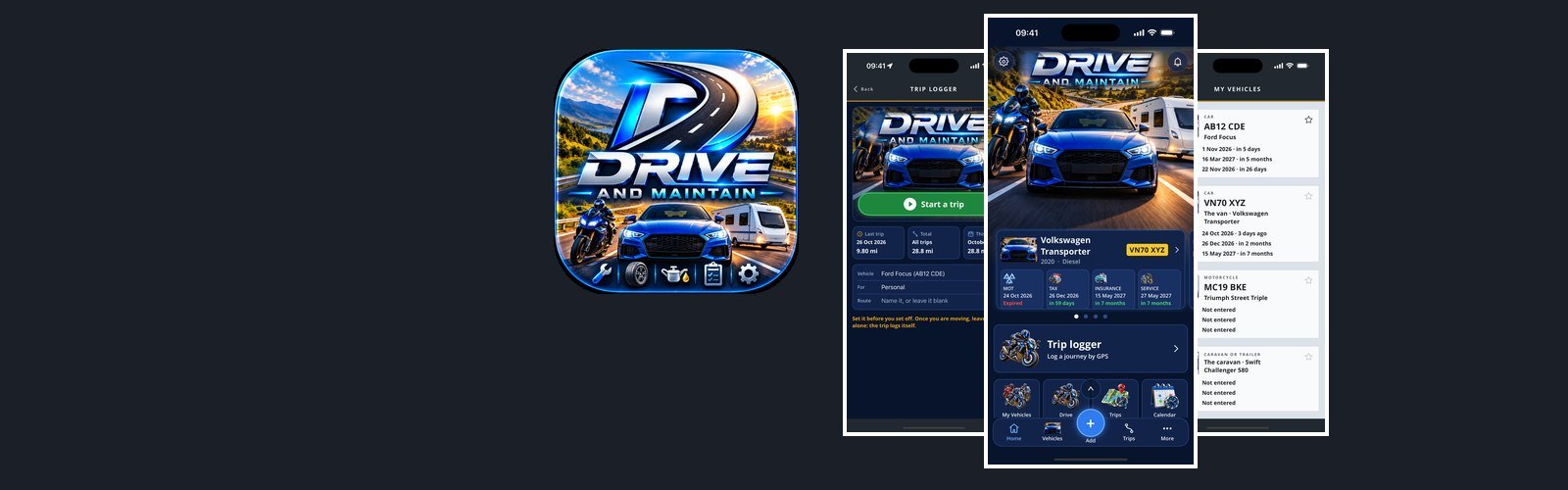

Drive and Maintain
Drive and Maintain keeps every vehicle you look after in one place — cars, motorcycles, vans and caravans — with the paperwork, the upkeep, the running costs and the miles, and tells you before anything runs out.
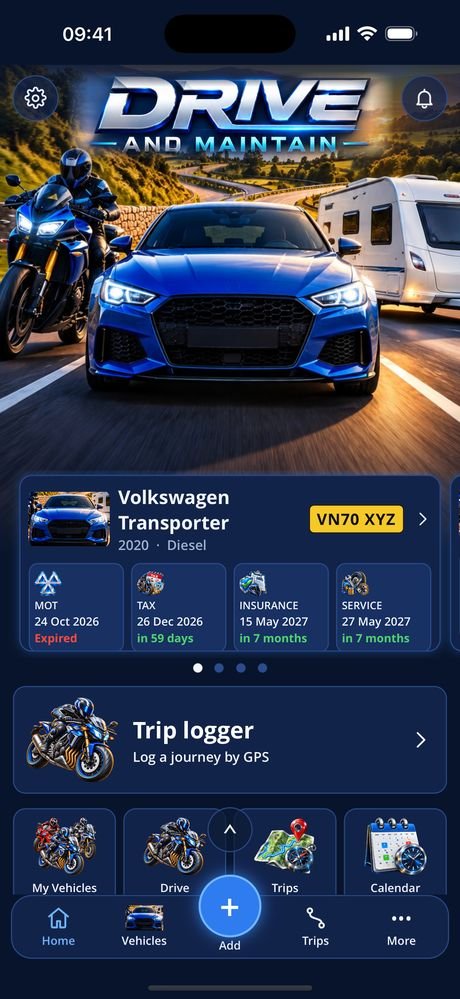
The dashboard opens on the vehicle that needs you most: swipe between vehicles, each card with its MOT, tax, insurance and service dates, then your features, latest trip and this month’s spend. Three dashboard styles are in Settings.
Each vehicle has its plate, make, model and year (looked up from the registration), fuel type, mileage and picture. A motorcycle gets its own pre-ride checks — chain, brakes, controls and cables. Enter an MOT test date and the expiry follows, keeping the anniversary if it was tested early. Insurance with its named drivers, tax, and breakdown cover with a call button and, at the roadside, where you are as a grid reference, road and postcode.
Upkeep and costs: every service and repair and when the next is due, tyres and vehicle health, every fill-up with MPG and cost per mile, charging for electric vehicles, what each vehicle has cost and the odometer over time. Caravans get weights, the towing match and a pre-trip checklist.
The trip logger follows a drive or a ride by GPS with the phone left in its holder: a live speedometer and map, the vehicle’s mileage moved on, and a history that totals your business miles. Two phones in a household can share their vehicles directly, encrypted, never through a server.
On the road the dashboard puts what you use most days first, one tap each: Everyday (filling up, charging, trip logging, the odometer, where you parked, a parking timer, walkaround checks, live radio and a Blue Badge parking clock to turn). Next comes If it goes wrong: broken down, an accident report with a sketch of the scene, puncture help, warning lights, where am I, and who to ring. There’s much more besides: a break planner that shows how much of the drive will be in the dark, motorway safety (the signs, the limits, stopping distances and how to tell help where you are), bad weather and night driving advice with today’s sunset and sunrise times, a hitch-up checklist and a towing weight check, and a videos section that keeps every film you take, ready to attach to a record. Any group you don’t need, such as DIY, towing, or family and pets, can be switched off in Settings. For the paperwork: warranties, lease and PCP mileage, licence renewal, and for lorry drivers the HGV medical and ADR dates. And 28 games for passengers, never for the driver.
Your garage lives in an encrypted database on the phone. There are no adverts and no analytics.
The app has its own site at driveandmaintain.co.uk — a step-by-step guide to every feature, with screenshots from the app.
- PlatformiPhone, iOS 15 and later
- Version1.0.0
- Its own sitedriveandmaintain.co.uk
- StorageOn the phone only, encrypted at rest, PIN or Face ID
- VehiclesCars, motorcycles, vans and caravans
- RemindersA month, a week and the day before each renewal
Free, and what a subscription unlocks
Your vehicles, the MOT, breakdown cover, vehicle health, drivers, the calendar, reminders, the trip logger, the calculators, fuel price share and sharing with another phone are free.
A Drive and Maintain Full Access subscription adds insurance, tax, services, the fuel tracker, caravans and touring, charging costs, tyres, documents and certificates, costs, mileage, the full trip history, the gallery and notes. It comes in two lengths, monthly and quarterly, each starting with a free month, and renews until you cancel it.
- Monthly See the App Store renews every month
- Quarterly See the App Store renews every three months
Prices are not listed here, because they can change. Check the App Store for the up-to-date price, in your own currency, before you subscribe — it is the App Store that takes the payment. A subscription renews at the end of each period unless it is cancelled at least 24 hours before that period ends — from the Manage subscription button in the app, or in your App Store account settings.
Cancelling takes nothing off your phone. Your vehicles, records and trips stay exactly where they are; the subscriber screens simply stop opening.
See the privacy policy and the terms of use.
Screens from the app
Tap a screenshot to see it full size. The names and records in them are made up. The apps are still being developed, so screens may look different in the version you download.
Interested in an app like this, or in something else for iPhone, iPad or Android? Get in touch.